⏱ 6 min read
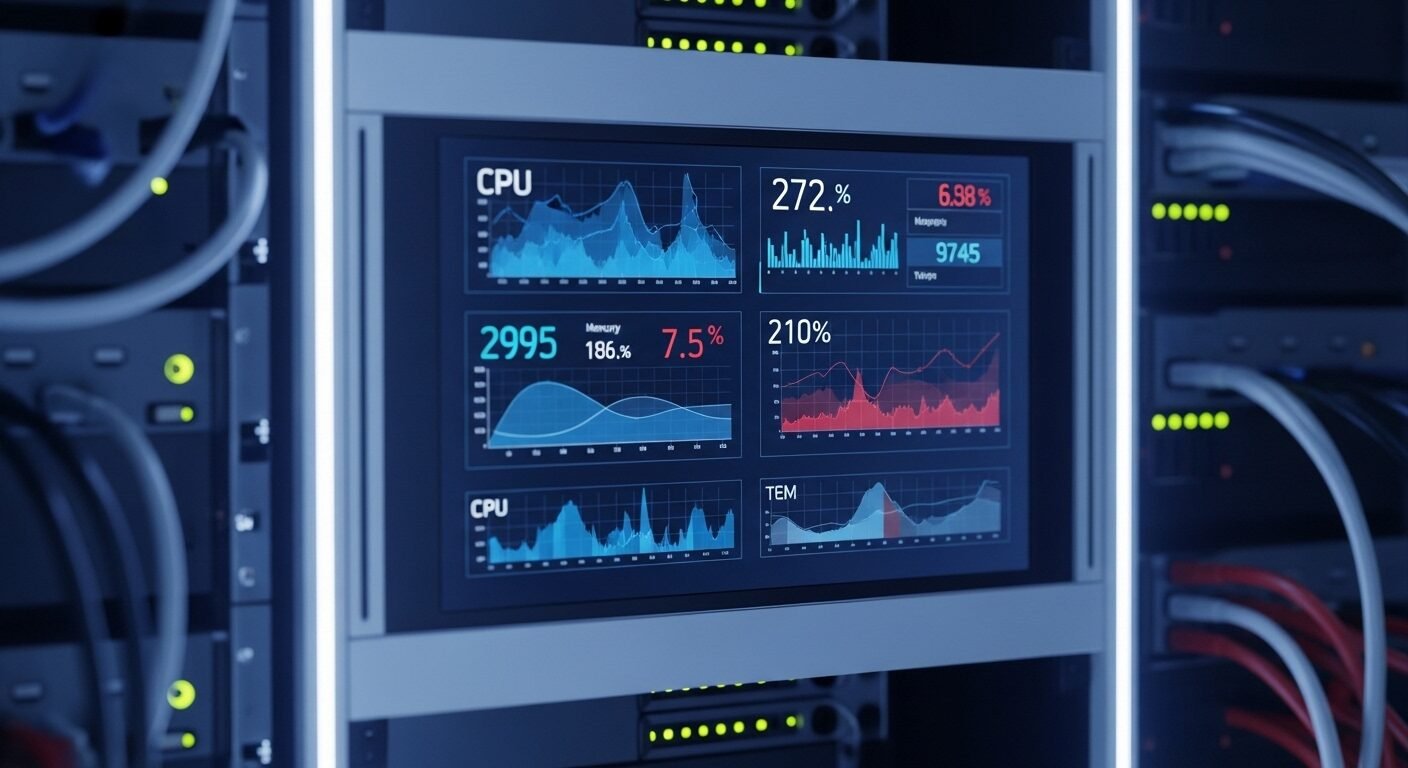
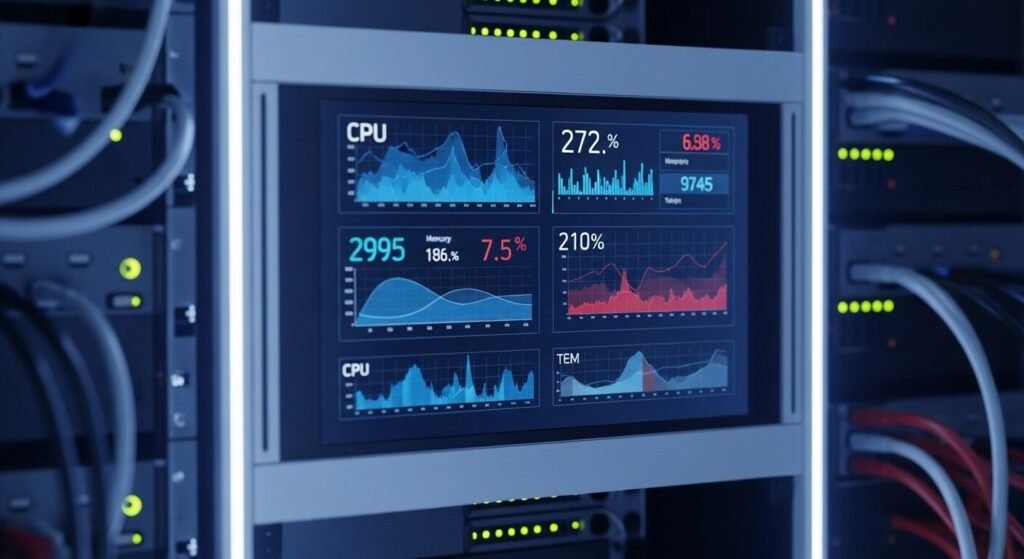
Maintaining optimal server performance requires continuous vigilance over key operational indicators. By monitoring specific server health metrics, system administrators can prevent downtime, optimize resource allocation, and ensure application reliability. This guide identifies the seven most critical parameters that provide a comprehensive view of server wellness, from processor load to network throughput. Proactive tracking of these indicators forms the foundation of robust IT infrastructure management.
Key Takeaways
- CPU utilization is the primary indicator of processing bottlenecks.
- Memory usage directly impacts application performance and stability.
- Disk I/O and latency reveal storage subsystem health.
- Network traffic monitoring identifies bandwidth and connectivity issues.
- Uptime tracking ensures service availability and reliability.
- Temperature monitoring prevents hardware failure from overheating.
What Are Server Health Metrics and Why Do They Matter?
Server health metrics are quantitative measurements that indicate the operational status, performance, and resource utilization of a server. These key performance indicators (KPIs) include CPU load, memory usage, disk activity, network traffic, uptime, and temperature. Monitoring these parameters allows administrators to detect issues, prevent failures, and maintain optimal service delivery.
Server performance indicators provide the data needed for informed infrastructure decisions. According to industry data from Gartner, unplanned downtime costs organizations an average of $5,600 per minute. Effective monitoring of system diagnostics parameters helps avoid these costly interruptions.
These metrics offer visibility into resource consumption patterns. They enable capacity planning and proactive maintenance. Without this data, administrators operate blindly, reacting to problems only after users are affected.
How Do You Monitor CPU Utilization Effectively?
CPU utilization measures how much processing capacity is being used. Consistently high CPU usage above 80-90% indicates potential performance bottlenecks that require investigation. Experts recommend monitoring both overall usage and per-core statistics.
Modern processors handle multiple threads simultaneously. Monitoring should include user space versus kernel space usage. High kernel usage might suggest driver or operating system issues.
Spikes in processor load during specific times can reveal application patterns. The standard approach is to track both short-term (1-5 minute) and long-term (15-minute) averages. This helps distinguish between temporary spikes and sustained overload conditions.
What Memory Metrics Prevent Application Crashes?
Memory monitoring focuses on usage, availability, and swap activity. Available memory below 10% of total RAM often signals impending performance problems that can lead to application failures. Research shows memory leaks cause approximately 30% of unplanned server restarts.
Swap usage indicates when physical memory is exhausted. While some swap activity is normal, excessive swapping dramatically slows system performance. Monitoring should include swap in/out rates and swap space utilization.
Buffer and cache usage also provide important insights. Linux systems, for example, use available memory for disk caching to improve performance. Understanding these nuances prevents misinterpretation of memory metrics.
Which Disk Performance Indicators Are Most Important?
Disk monitoring encompasses capacity, input/output operations, and latency. Disk latency above 20ms for spinning drives or 5ms for SSDs typically indicates performance issues affecting application responsiveness. Storage health directly impacts user experience.
Input/output operations per second (IOPS) measure disk activity levels. Different workloads require different IOPS thresholds. Database servers typically need higher IOPS than file servers.
Capacity planning prevents storage exhaustion. The 80% utilization rule is a common guideline. Beyond this point, performance often degrades, and cleanup becomes urgent. Tools like servertools.online can help track these trends.
How to Implement Basic Server Monitoring
- Identify critical servers and applications in your infrastructure.
- Select monitoring tools that support the necessary metrics.
- Configure alerts for threshold violations on key parameters.
- Establish baseline performance measurements during normal operation.
- Regularly review dashboards and generate performance reports.
- Adjust thresholds and alerts based on historical data patterns.
- Document procedures for responding to common alert scenarios.
How Can Network Monitoring Improve Server Reliability?
Network metrics include bandwidth usage, packet loss, and connection counts. Packet loss exceeding 1% typically indicates network problems requiring immediate attention to maintain service quality. Network issues often manifest as slow application response.
Bandwidth monitoring helps identify traffic patterns and potential bottlenecks. Inbound and outbound traffic should be monitored separately. Unexpected traffic spikes might indicate security incidents or misconfigured applications.
Connection tracking is particularly important for web servers. Monitoring established connections, connection attempts, and error rates provides insight into server load and potential denial-of-service attacks.
| Metric | Warning Threshold | Critical Threshold | Monitoring Frequency |
|---|---|---|---|
| CPU Utilization | 70% | 90% | 1 minute |
| Memory Available | 15% of total | 5% of total | 1 minute |
| Disk Space Used | 80% | 90% | 5 minutes |
| Network Packet Loss | 0.5% | 1% | 1 minute |
| Server Response Time | 200% of baseline | 500% of baseline | 30 seconds |
Why Is Server Uptime Tracking Non-Negotiable?
Uptime represents server availability and reliability. Uptime percentage below 99.9% (approximately 8.76 hours of downtime yearly) may violate service level agreements and damage organizational reputation. Availability is often the primary metric stakeholders understand.
Uptime tracking should include both planned and unplanned outages. Distinguishing between maintenance windows and unexpected failures provides clearer insight into reliability. Mean time between failures (MTBF) and mean time to recovery (MTTR) are valuable derivatives.
Monitoring tools can automatically calculate uptime percentages. These metrics are essential for compliance reporting and service credit calculations in managed hosting environments.
What Role Does Temperature Play in Server Longevity?
Temperature monitoring prevents hardware degradation and failure. Operating temperatures above manufacturer specifications reduce component lifespan by approximately 50% for every 10°C increase according to Arrhenius equation models. Thermal management is crucial in data center environments.
Server components have specific thermal limits. CPUs and storage devices are particularly temperature-sensitive. Monitoring intake and exhaust temperatures provides early warning of cooling system issues.
Environmental factors affect overall data center efficiency. Proper temperature monitoring supports energy conservation efforts while protecting hardware investments. Thermal sensors should be checked regularly as part of preventive maintenance.
Frequently Asked Questions
What is the most important server health metric to monitor first?
CPU utilization is typically the most critical starting point. It directly indicates how hard your server is working and can quickly reveal performance bottlenecks. If CPU usage is consistently high, other metrics like memory and disk I/O become secondary concerns until the processor load is addressed.
How often should I check server health metrics?
Real-time monitoring with alerting is essential for critical metrics. 65% of organizations check key metrics continuously through automated systems. For less critical parameters, daily reviews are sufficient, but any production server should have real-time monitoring for core
3 thoughts on “7 Critical Server Health Metrics You Must Monitor”