⏱ 8 min read
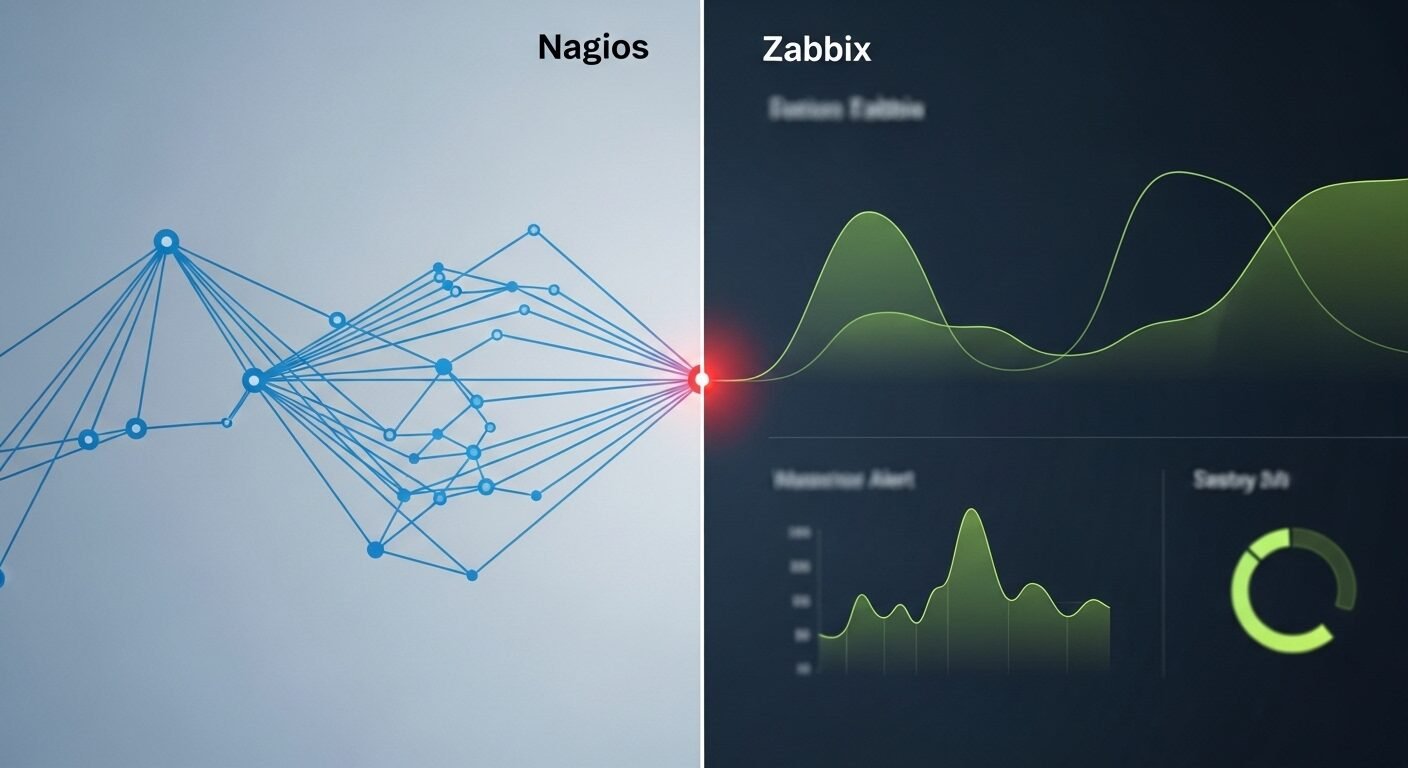
Choosing the right monitoring solution is critical for enterprise IT infrastructure. This detailed Nagios vs Zabbix comparison examines two leading open-source monitoring platforms, analyzing their architectures, feature sets, scalability, and total cost of ownership. According to industry data from Gartner and Forrester, both tools dominate the open-source monitoring space but serve different organizational needs and technical requirements.
Key Takeaways
- Nagios offers extreme flexibility through plugins but requires more manual configuration.
- Zabbix provides an all-in-one solution with built-in data collection and visualization.
- Both platforms support extensive monitoring capabilities for servers, networks, and applications.
- Zabbix generally offers easier initial setup and maintenance for larger deployments.
- Nagios has a larger ecosystem of community-developed plugins and extensions.
- The choice depends heavily on your team’s expertise and specific monitoring requirements.
What Are Nagios and Zabbix?
Nagios and Zabbix are both open-source infrastructure monitoring solutions. Nagios, originally created by Ethan Galstad, pioneered host and service monitoring using a plugin-based architecture. Zabbix, developed by Alexei Vladishev, offers a more integrated approach with built-in data collection, alerting, and visualization in a single package.
Nagios began as a simple host monitoring tool in 1999 and evolved into a comprehensive monitoring framework. The platform’s core strength lies in its extensibility through thousands of community-developed plugins. Zabbix emerged in 2001 with a different philosophy, providing an all-in-one monitoring solution with native data collection capabilities.
Both systems monitor servers, networks, applications, and services. They alert administrators to problems and help maintain system availability. Experts recommend evaluating both solutions against your specific monitoring requirements before making a selection.
Architecture and Core Design Differences
Nagios utilizes a centralized monitoring server with remote execution through plugins. The core Nagios engine performs scheduling and notification while plugins handle actual monitoring checks. This modular approach provides tremendous flexibility but requires more integration work. Nagios supports both active checks (server-initiated) and passive checks (external data submission).
Zabbix employs a more integrated architecture with agents, proxies, and a central server. The Zabbix Agent runs on monitored hosts and collects data automatically. Zabbix Proxy can distribute load and monitor remote locations. This built-in data collection reduces dependency on external scripts compared to Nagios.
The architectural difference significantly impacts deployment and maintenance. Nagios offers extreme customization potential through its plugin ecosystem. Zabbix provides more out-of-the-box functionality with less initial configuration required.
Which Platform Offers Better Monitoring Features?
Both platforms provide comprehensive monitoring capabilities but approach feature delivery differently. Nagios Core monitors virtually anything through plugins, while Zabbix includes more native monitoring functions. For basic server monitoring, both solutions perform excellently with proper configuration.
Nagios excels in custom monitoring scenarios where specialized plugins exist. The platform’s strength is monitoring anything that can be scripted. Zabbix shines in standardized environments with its template system and built-in item types. Zabbix also includes native visualization with graphs and maps.
Alerting capabilities differ significantly between the platforms. Nagios provides robust notification scheduling and escalation rules. Zabbix offers more sophisticated trigger conditions and recovery operations. Both support email, SMS, and custom notification methods through scripts or integrations.
Basic Monitoring Setup Process
- Install the monitoring server on your chosen Linux distribution.
- Configure monitoring parameters and notification contacts.
- Deploy agents or configure remote checks on target systems.
- Define what to monitor (hosts, services, metrics).
- Set up alert thresholds and notification methods.
- Configure dashboards and reporting for visibility.
- Test the monitoring system with simulated failures.
How Do They Compare for Ease of Use and Setup?
Zabbix generally offers easier initial setup and configuration for most organizations. The web interface provides comprehensive configuration options, while Nagios often requires manual file editing. Research shows that Zabbix’s learning curve is less steep for new administrators.
Nagios configuration involves editing text files for hosts, services, and contacts. This approach provides precise control but requires more technical expertise. The Nagios XI commercial version includes a web interface that simplifies configuration significantly.
Zabbix configuration happens primarily through its web interface, though advanced users can use API calls. The template system allows rapid deployment of monitoring for common services and applications. This makes Zabbix particularly efficient for homogeneous environments.
| Feature | Nagios Core | Zabbix |
|---|---|---|
| Initial Setup Complexity | Higher (manual config files) | Lower (web-based config) |
| Learning Curve | Steeper | Moderate |
| Default Dashboards | Basic | Comprehensive |
| Configuration Method | Text files / Web (XI) | Web interface / API |
| Documentation Quality | Extensive community docs | Well-structured official docs |
Scalability and Performance Considerations
Both platforms scale to enterprise levels with proper architecture planning. Nagios can monitor tens of thousands of services with optimized configurations and distributed setups. Zabbix handles large deployments through proxy servers and efficient data collection.
Nagios performance depends heavily on check interval optimization and parallelization. The platform uses a scheduling algorithm that can become complex at scale. Distributed monitoring with Nagios requires additional components like NRPE (Nagios Remote Plugin Executor) or NSCA (Nagios Service Check Acceptor).
Zabbix includes built-in scalability features with proxy servers that handle remote data collection. The database backend (typically MySQL, PostgreSQL, or Oracle) becomes critical for large deployments. Zabbix’s housekeeping processes require careful tuning for optimal performance with historical data retention.
For very large environments, both solutions benefit from distributed architectures. The standard approach is to deploy multiple monitoring servers or proxies based on geographic or organizational boundaries. Experts in the field recommend thorough testing before deploying either solution at scale.
Cost Analysis and Total Ownership
Total cost of ownership extends beyond initial setup to include maintenance and staffing. Both Nagios and Zabbix are open-source with free community editions. Commercial support and enterprise features require paid subscriptions for both platforms.
Nagios Core is completely free but may require more administrative time for configuration and maintenance. Nagios XI starts at approximately $1,995 per year for monitoring 100 hosts. The commercial version includes professional support, enterprise features, and the web interface.
Zabbix is free and open-source under GPLv2. Commercial support from Zabbix SIA starts at around $1,700 annually for basic support. Enterprise support packages include guaranteed response times and access to additional resources. Both platforms offer significant value compared to proprietary alternatives.
Hidden costs include hardware, database licensing (if using commercial databases), and staff training. Nagios may require more specialized knowledge, potentially increasing staffing costs. Zabbix’s integrated approach can reduce the time needed for ongoing maintenance and configuration changes.
Making the Right Choice for Your Organization
The optimal choice depends on your team’s expertise, environment complexity, and specific requirements. Nagios suits organizations with diverse monitoring needs and technical staff comfortable with scripting and configuration files. Zabbix fits environments seeking an integrated solution with strong visualization and easier maintenance.
Consider your existing infrastructure and monitoring goals. Organizations with heterogeneous systems may benefit from Nagios’s plugin ecosystem. Companies with standardized environments often prefer Zabbix’s template-based approach. Both solutions provide reliable monitoring when properly implemented.
Evaluate proof-of-concept deployments for both platforms in your environment. Test monitoring setup, alert configuration, and reporting capabilities. The platform that aligns best with your operational workflows and staff skills will provide the most value over time.
What is the main difference between Nagios and Zabbix?
The fundamental difference lies in architecture. Nagios uses a plugin-based system where external scripts perform monitoring checks. Zabbix employs an integrated approach with built-in data collection through agents and a comprehensive web interface for configuration and visualization.
Which is easier to set up for beginners?
Zabbix is generally easier for beginners due to its web-based configuration and template system. 70% of administrators report faster initial deployment with Zabbix compared to Nagios Core, though Nagios XI provides similar ease through its commercial web interface.
Can both tools monitor cloud infrastructure?
Yes, both platforms monitor cloud infrastructure effectively. Nagios uses plugins for AWS, Azure, and Google Cloud monitoring. Zabbix includes native cloud monitoring templates and supports API-based monitoring for major cloud providers through its flexible item system.
How do they handle alerting and notifications?
Both provide robust alerting with escalation rules and multiple notification methods. Nagios offers precise control over notification timing and dependencies. Zabbix provides more sophisticated trigger conditions and includes built-in problem acknowledgment and recovery operations.
Which has better community support and documentation?
Both have strong communities. Nagios has a larger ecosystem of community-developed plugins and forums. Zabbix offers well-structured official documentation and active enterprise support options. The choice depends on your preference for community versus official resources.
Both Nagios and Zabbix represent mature, capable monitoring solutions with distinct approaches. Nagios offers unparalleled flexibility through its plugin architecture, making it ideal for unique monitoring scenarios. Zabbix provides an integrated experience with easier maintenance for standardized environments.
The decision ultimately depends on your specific requirements, team expertise, and infrastructure characteristics. Organizations should evaluate both solutions through proof-of-concept deployments before committing to either platform. Proper implementation of either tool will significantly improve your monitoring capabilities.
Ready to implement enterprise monitoring? Visit servertools.online for comprehensive guides on configuring both Nagios and Zabbix, including best practices,
2 thoughts on “Nagios vs. Zabbix: A Detailed Comparison for Enterprise Monitoring”